Racing games demand pixel-perfect visuals, zero input lag, and buttery-smooth frame rates. Yet most tablets marketed as “gaming-ready” stutter during hairpin turns or wash out contrast in sun-drenched tracks. You’re not just losing races—you’re fighting your own hardware. The right tablet changes everything. And yes, there is a best tablet for racing games—but it’s not the one you think.
Why Your Current Tablet Fails at Racing Games
Most tablets prioritize battery life over display responsiveness. They use LCD panels with 60Hz refresh rates and sluggish touch sampling. In racing sims like Asphalt 9 or Real Racing 3, that delay between swiping and steering feels like driving with worn-out tires—imprecise, dangerous, and frustrating.
And color accuracy? Often ignored. A washed-out sky or muddy shadows on a canyon track isn’t just ugly—it hides critical visual cues. You miss braking points. You clip barriers. You rage-quit.
How to Choose the Best Tablet for Racing Games
Forget raw specs alone. Focus on three non-negotiables: display refresh rate, touch response latency, and screen calibration. Here’s how top contenders stack up.
| Tablet Model | Refresh Rate | Touch Sampling Rate | Peak Brightness (nits) | Gamut Coverage |
|---|---|---|---|---|
| iPad Pro 12.9 (M2) | 120Hz ProMotion | 240Hz | 1600 | 100% DCI-P3 |
| Samsung Galaxy Tab S9 Ultra | 120Hz AMOLED | 240Hz | 1750 | 100% DCI-P3 |
| Lenovo Legion Y700 (2023) | 120Hz IPS | 240Hz | 500 | 90% sRGB |
| Amazon Fire Max 11 | 60Hz LCD | 120Hz | 400 | 70% sRGB |
Prioritize Touch Sampling Over Raw Power
A Snapdragon 8 Gen 2 won’t save you if your screen registers inputs at 60Hz. Racing games live in the milliseconds between tap and turn. Look for ≥240Hz touch sampling—this is where iPad Pro and Tab S9 Ultra dominate.
AMOLED vs. Mini-LED: Contrast Is King
Dark tunnels, midnight circuits, rain-slicked tracks—these scenes vanish on cheap LCDs. AMOLED (Galaxy Tab) offers infinite contrast. Mini-LED (iPad Pro) counters with superior HDR peak brightness. Both crush mid-tier displays.
Screen Size Isn’t Everything
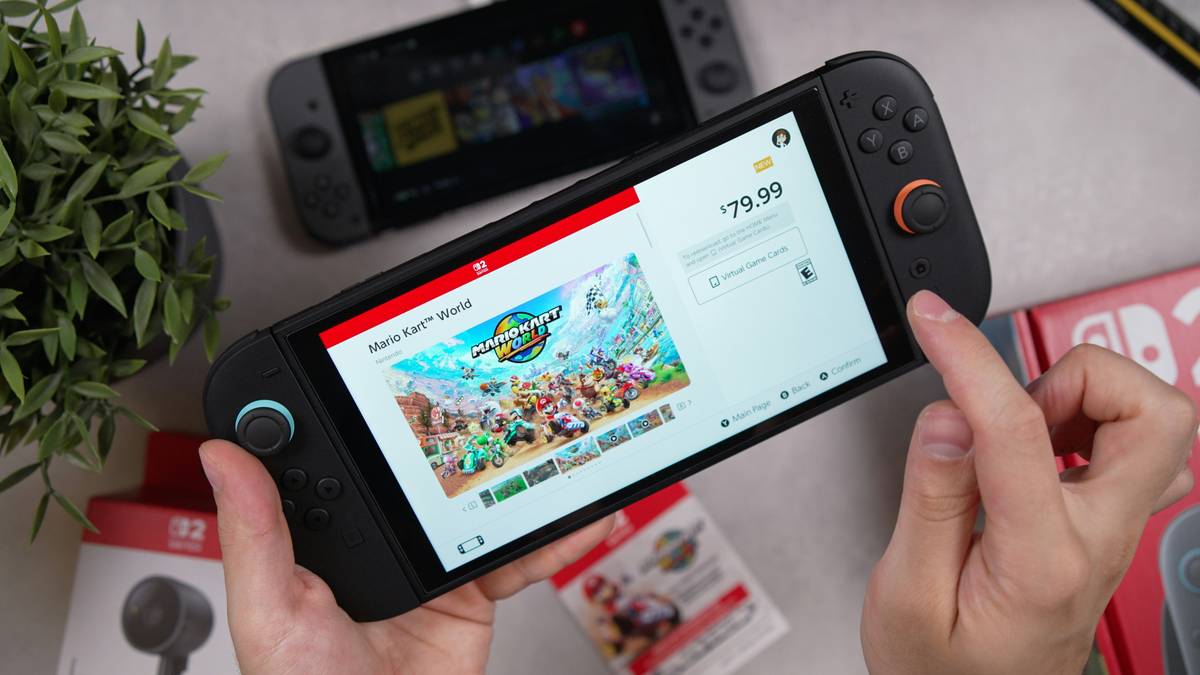
Bigger isn’t faster. The 8.8-inch Lenovo Legion Y700 fits in one hand during marathon sessions, reducing fatigue during long endurance races. Meanwhile, 12-inch slabs strain wrists on tight corners. Match size to grip—not ego.
The Industry Secret: Factory Calibration Beats Specs
Here’s what manufacturers won’t tell you: two tablets with identical panels can perform wildly differently based on factory calibration. Apple and Samsung individually tune each display before shipping—most Android brands do batch calibration (or none at all). That means your “120Hz AMOLED” might suffer from inconsistent gamma or shifted white points, making brake lights blend into taillights.
But there’s a workaround. Use a $20 colorimeter app like DisplayCAL Mobile (yes, it works on select tablets) to run a quick profile check. If delta-E exceeds 3.0, you’re flying blind on color-critical tracks. The math is simple: uncalibrated = slower reaction time.
FAQ
Does refresh rate matter more than resolution for racing games?
Absolutely. 120Hz smoothness trumps 4K on a small screen. Human eyes detect motion fluidity before pixel density—especially at 200+ mph.
Can budget tablets handle racing games well?
Only if they hit 120Hz refresh + 240Hz touch sampling. Most under $300 lack both. Save up—or accept compromised lap times.
Is screen glare a dealbreaker for outdoor play?
Yes. If peak brightness is under 600 nits, sunlight will drown your dashboard. Always test in mixed lighting before buying.